First identify where the launch stops. A page that never loads, a WebGPU warning and a game-data download that stalls are different failures. Reinstalling the game or deleting browser storage is rarely a useful first diagnostic step.
Separate the guide from the game
Open the game in a new tab directly. If the original works but our embedded panel does not, use that original tab for the session. If both stop at the same message, record the exact wording. Our entrance site does not serve the game’s resources.
If the warning mentions WebGPU
The current launcher checks both WebGPU availability and whether it can obtain a graphics adapter. Its recovery instructions recommend a current browser, enabled hardware acceleration and an up-to-date graphics driver. On a Windows laptop with two GPUs, it suggests assigning the browser to the high-performance GPU in Windows graphics settings, then restarting the browser.
Change one setting at a time and retry in the same browser. That makes it easier to tell what helped. A working browser interface does not prove the GPU can run the game world.
If game data stops loading
Leave the tab open long enough to distinguish a slow download from a repeatable error. If you see HTTP 429, stop repeatedly refreshing: the original announcement documents a past demand-related limit, and the launcher has a matching busy-state notice. That history does not mean every loading problem is a server outage today.
If it starts and then loses the graphics device
The launcher distinguishes graphics-device loss from a missing adapter. Record your device, browser version and the displayed error before retrying. Mobile reports vary; see what the current evidence says.
Protect progress while testing
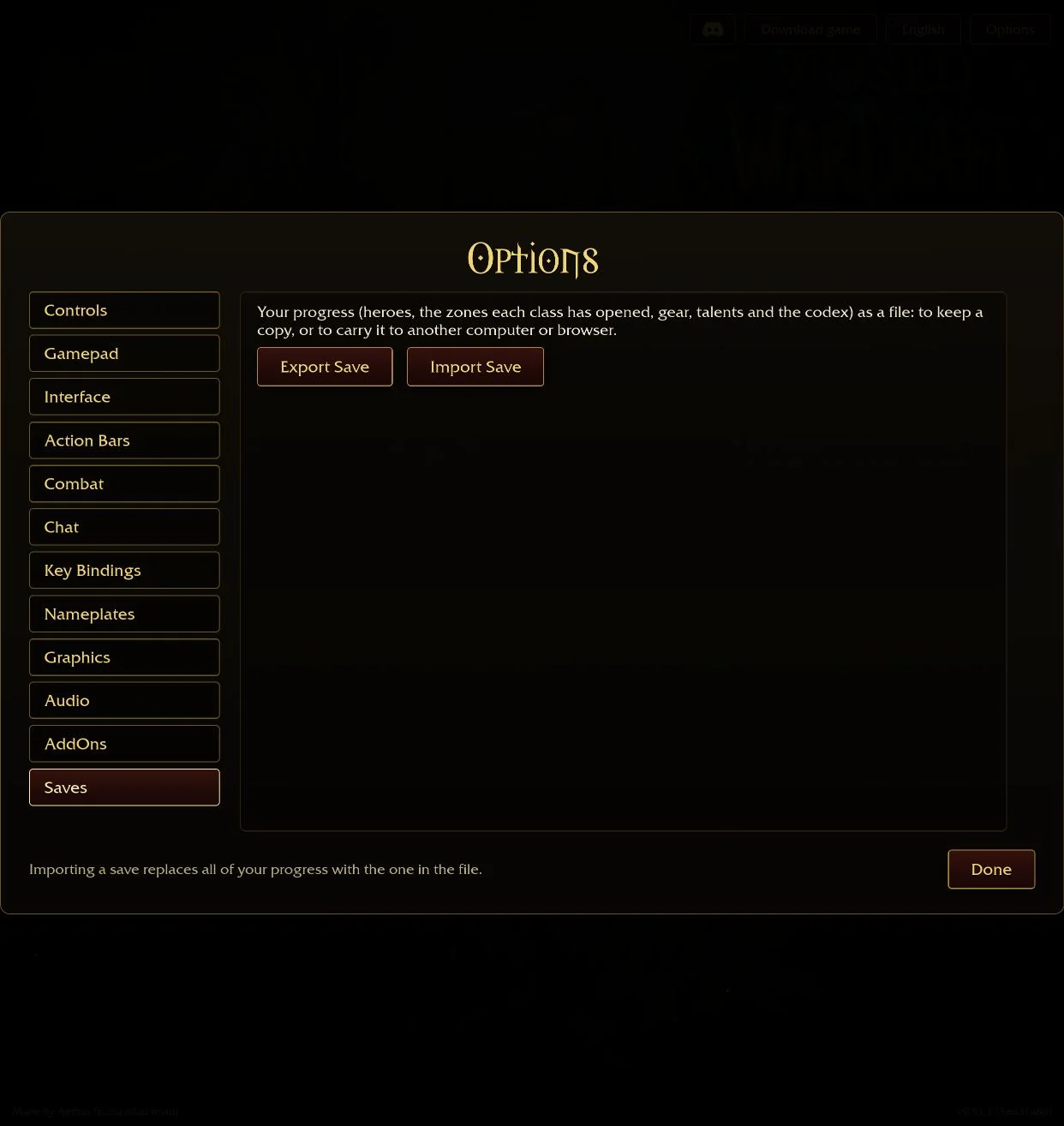
If you can reach Options, use Saves → Export Save before clearing site data or changing browser profiles. A different profile is useful for comparison, but it may not contain your existing progress.
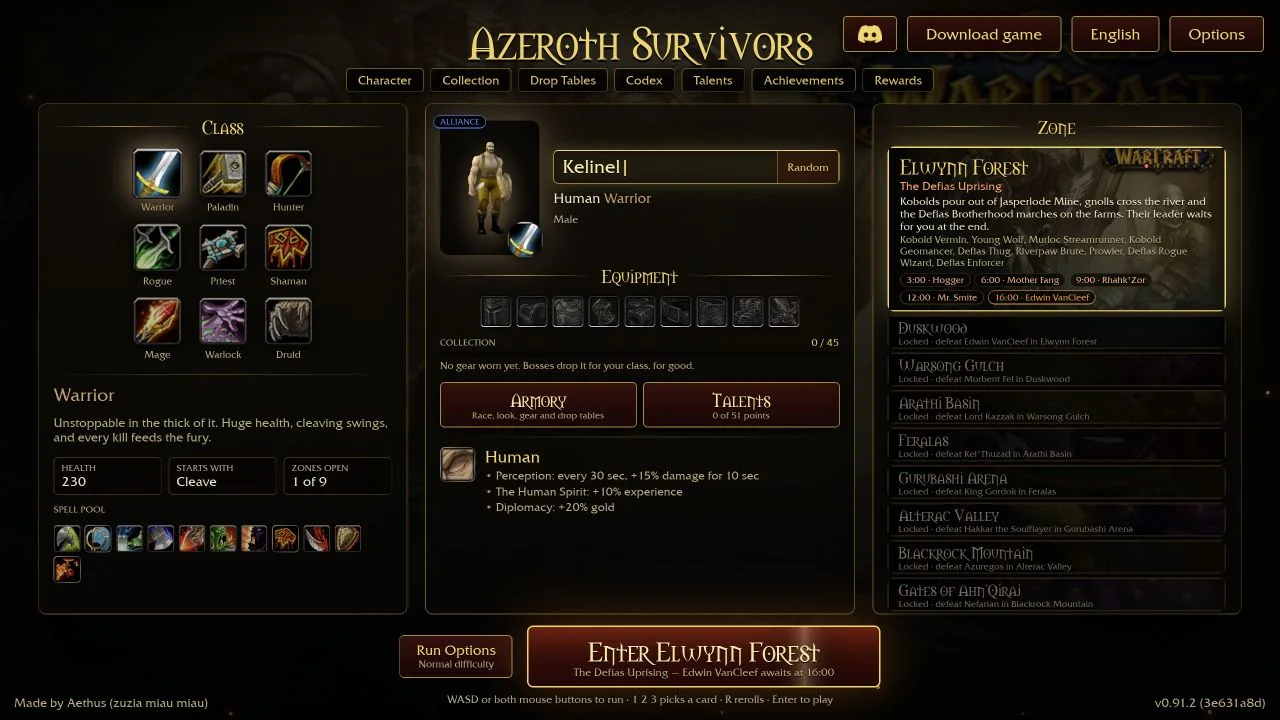
The game page also links a Windows archive. Follow that current link if you choose the download route; we have not run or security-tested the executable.
Sources & scope
Checked 16 October 2026. Original-game menu observations are labelled by build. Player reports are attributed and do not establish universal compatibility or an optimal strategy.