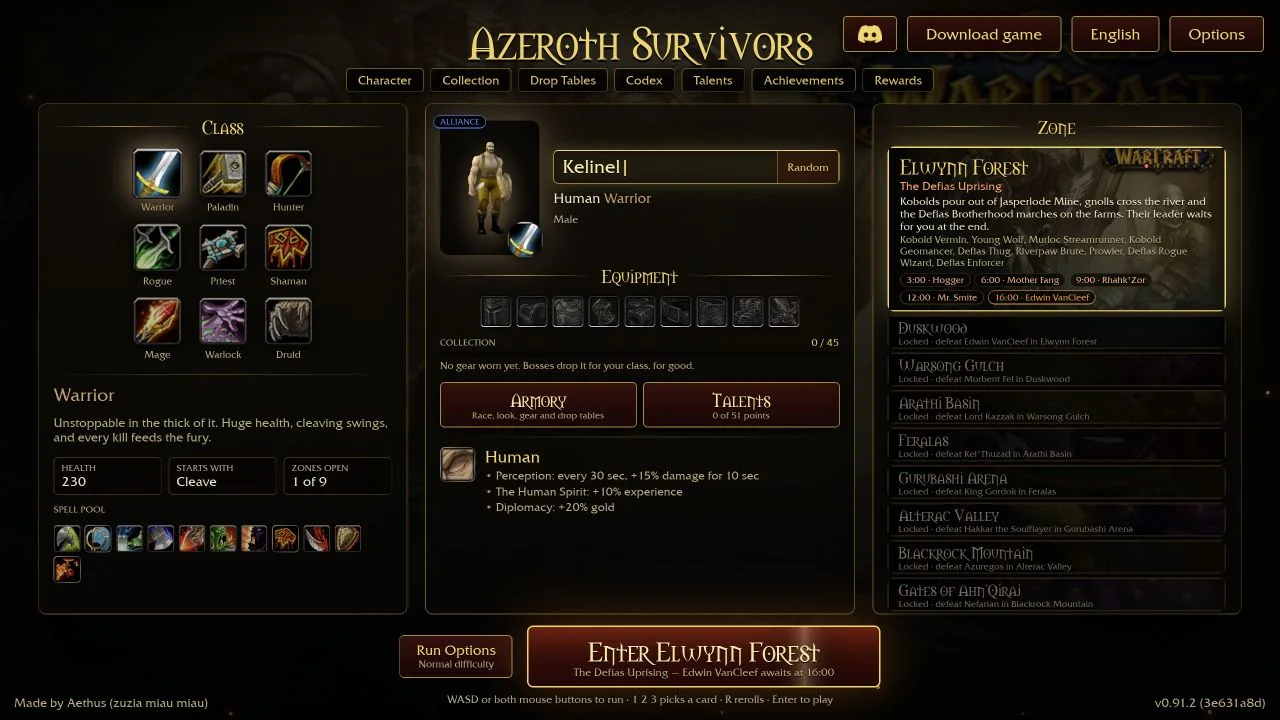
The browser game has a save-file workflow in Options → Saves. Use it before moving to another browser or computer. A backup file is also a useful precaution before troubleshooting browser storage.
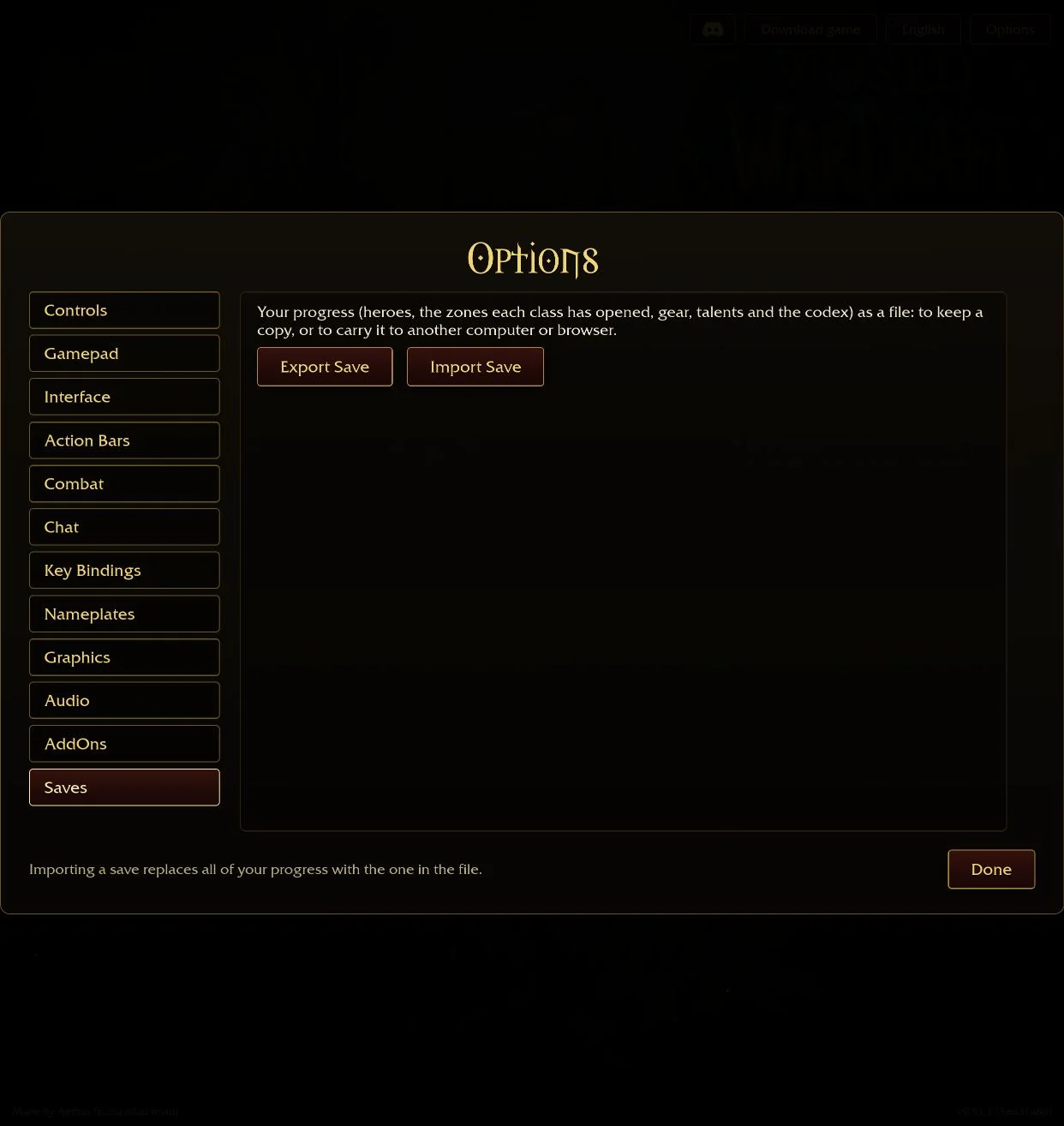
Make a backup first
- Open the browser game in the browser profile where you normally play.
- Choose Options, then Saves in the left menu.
- Select Export Save and keep the downloaded file somewhere you can find again.
- Keep a dated copy outside the browser before experimenting with another device.
The inspected save helper creates a timestamped .sav download. The menu says it contains heroes, each class’s opened zones, equipment, talents and Codex progress.
Import carefully
Open Options → Saves in the destination and choose Import Save. Select your backup file, then read the confirmation before accepting. The menu explicitly warns that importing replaces existing progress with the contents of that file. Export the destination’s current progress first if you want to keep it.
Do not treat import as a merge of two accounts. We inspected the menu and helper but did not replace a player’s save or test compatibility between different releases.
If progress appears missing
Check that you are using the same browser profile and browser game address. An embedded game and a standalone tab may be treated differently by browser storage policies. Open the original directly before concluding that data has been lost.
Reading this guide does not upload your save. If you choose to use Cloud Saves, you must export and upload a backup yourself; it does not automatically capture the game’s local progress. Keep your own copy and avoid posting the file publicly for support.
Keep the version with the backup
Record the version displayed in the game menu alongside your file. A save exported from the browser game should not be assumed compatible with a community reconstruction. If a later release rejects it, preserve the untouched original backup while seeking version-specific advice.
Sources & scope
Checked 16 October 2026. Original-game menu observations are labelled by build. Player reports are attributed and do not establish universal compatibility or an optimal strategy.