Interface preview
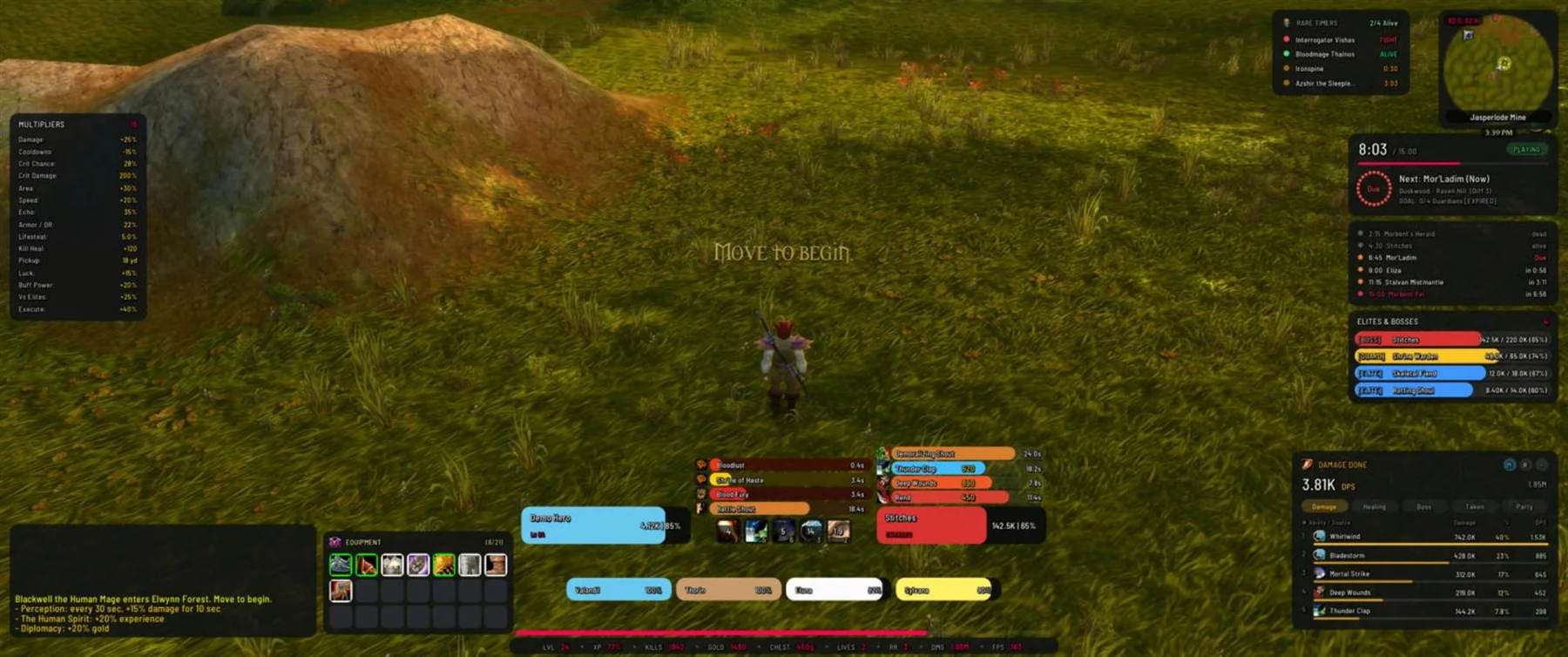
Author screenshot · Blackwellcode/BlackwellUI · Original on GitHub

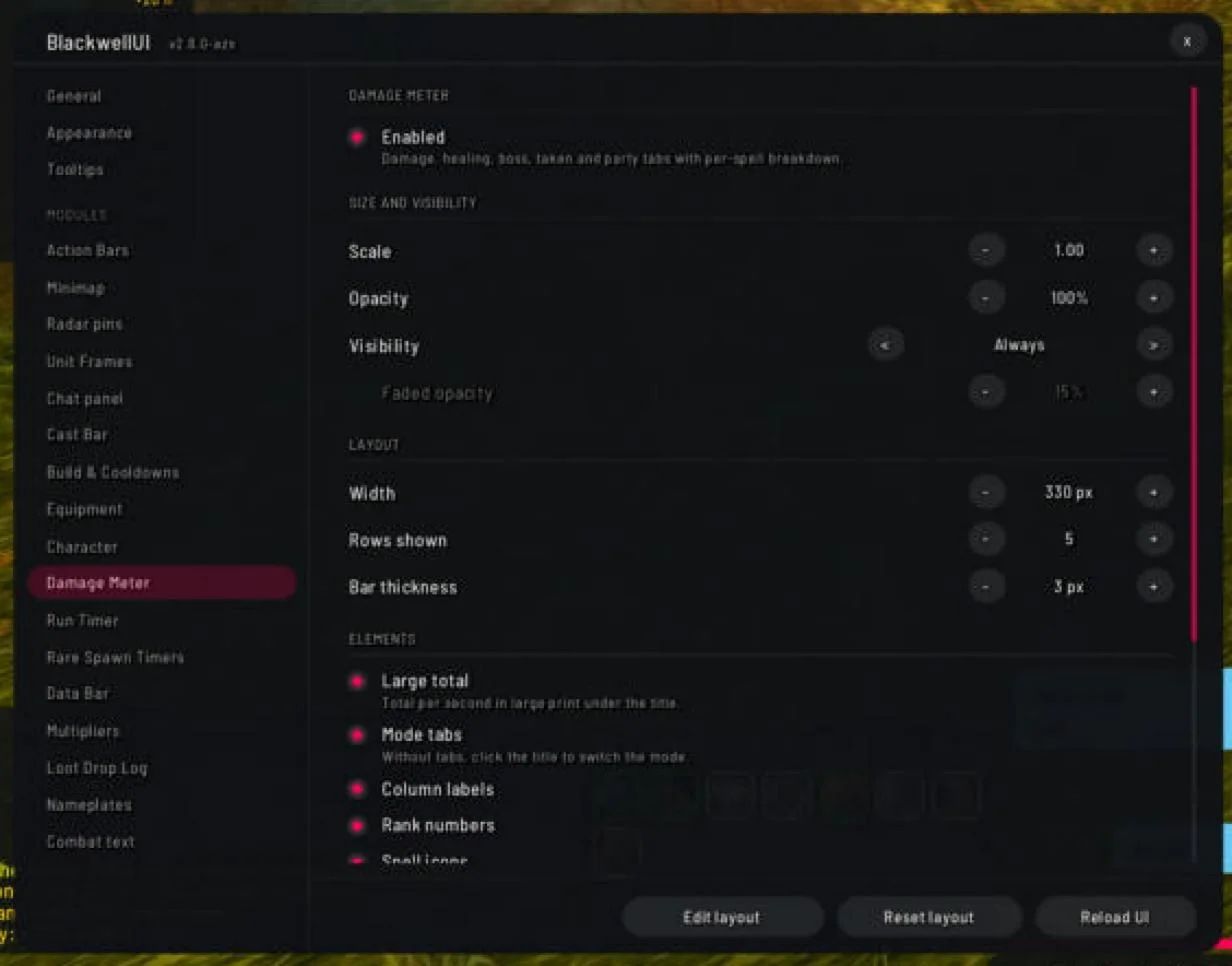
Author screenshot · Blackwellcode/BlackwellUI · Original on GitHub

Screenshots show the author’s published interface and may differ from later releases. We have not playtested the addon.
What is it useful for?
BlackwellUI puts combat telemetry and map objectives into a configurable HUD. It offers round and classic sharp styles with the same settings, so choose it for the information and controls rather than assuming one screenshot is its only possible layout.
- Switch among damage, healing, boss, damage-taken and party meters.
- Follow boss schedules, cache/lair radar pins and rare-enemy timers.
- Adjust individual module size, opacity and visibility; /bw layoutcheck reports overlapping frames.
Get started after installation
Install the addon using its current repository instructions first. These steps follow the author’s documentation; check for changed commands or UI after an update.
- On desktop, unpack BlackwellUI.zip under benilla-config/AddOns/BlackwellUI. In a browser, use the in-game AddOns ZIP dialog and reload.
- Enter a zone and open /bw. Choose modules, language and appearance; /bw unlock enables layout editing.
- Before uninstalling, turn off Combat text and Replace the stock run HUD in its settings. Then remove the addon.
Useful tips & limitations
The addon changes native HUD and combat-text settings. Restore those controls inside BlackwellUI before removing it.
- Use /bw layoutcheck when frames overlap, and provide the game and addon version with a problem report.
If a game update causes a problem, disable the most recently added addon and report the game version, addon version and exact error to its author.
Questions
What does BlackwellUI do?
Use a configurable HUD with combat meters, boss schedules, objective radar, nameplates and round or classic styling.
What should I know before using it?
The addon changes native HUD and combat-text settings. Restore those controls inside BlackwellUI before removing it.
What has this guide verified?
This guide checked author documentation and public image material. We have not installed the addon or completed a current-patch gameplay test. Features and instructions are based on the author’s documentation.
Author & original sources
This is an independent fan guide, not the addon author or an official download host. Features and instructions are based on the project below; obtain packages through its author’s links.
- Blackwellcode/BlackwellUI — repository & README
- Author issue tracker
- Author announcement on Discord
- Author screenshot source — Author HUD overview showing the round style, combat frames, meters and objective tracking.
- Author screenshot source — Per-module settings for size, opacity, visibility and meter rows.
- Browser and desktop installation guide