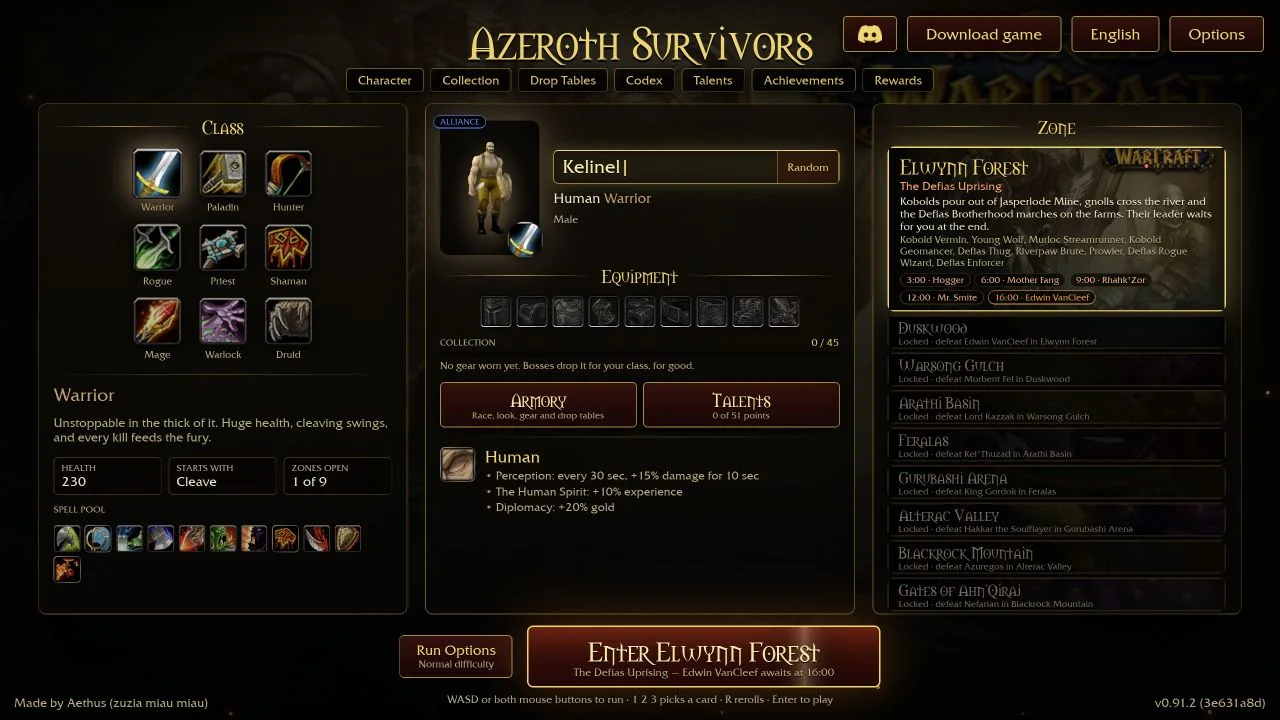
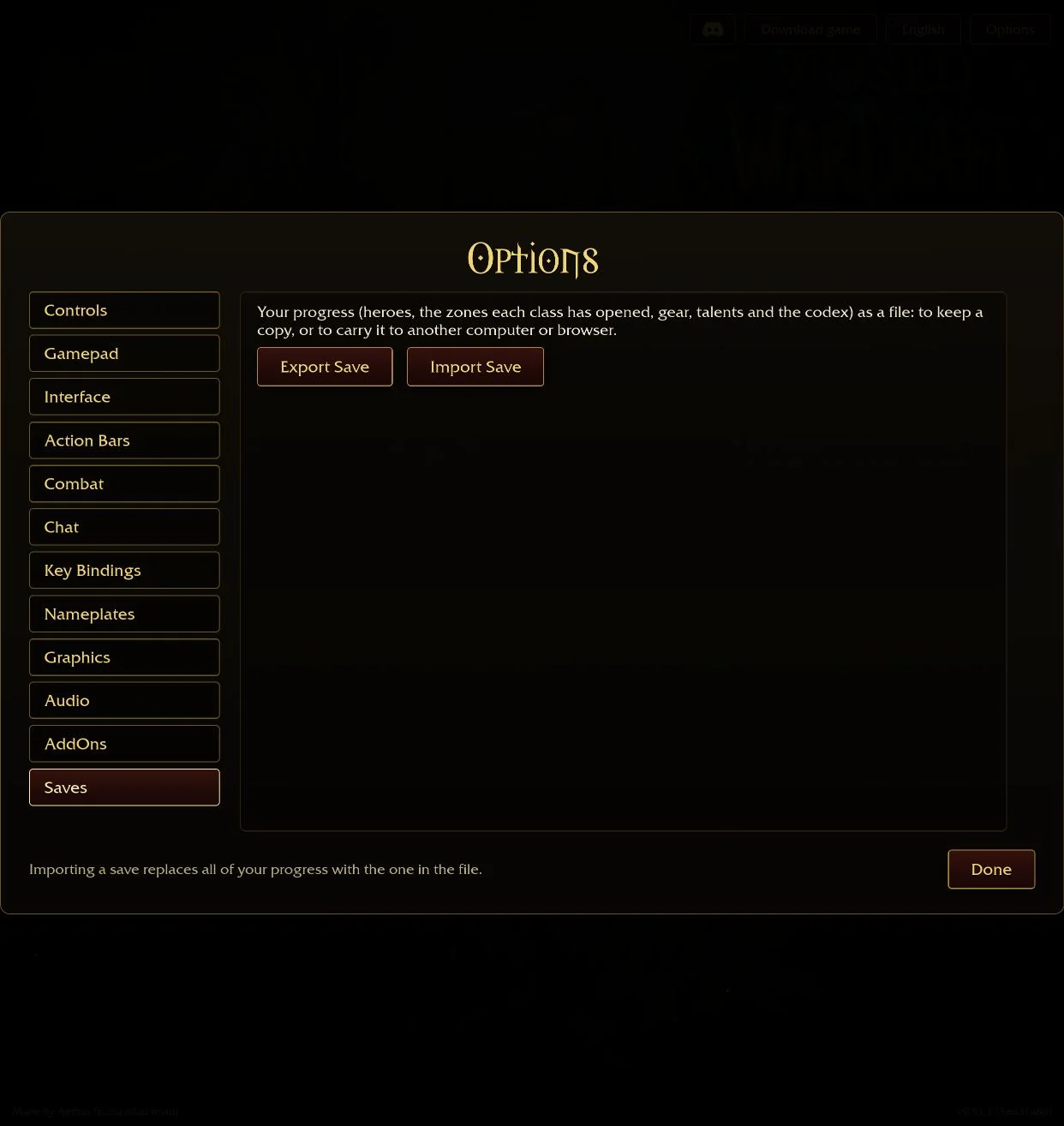
The original browser game includes an addon installer in Options → AddOns. Choose an addon ZIP there, enable the installed addon and start your next run. You can use the game’s own menu without a separate addon manager.
Install an addon in the browser
- Read the author’s installation instructions and download the addon ZIP from their project or release page.
- Open the original game, then Options → AddOns → Install AddOns.
- Select the ZIP itself. The browser installer reads the archive; you do not need to unpack it first.
- Check the installation message and enable the addon in the list.
- Start a new run to load it. The game says addon enable settings apply to every hero.
The installer identifies addons by their .toc files. An archive without a recognized addon produces a “no addon” message. Prefer the author’s packaged release when one is provided; an unrelated source archive is not necessarily an install package.
Three author-maintained projects to consider
| Addon | Use it for | Open it | Checked release |
|---|---|---|---|
| AZS Spell Meter by kex0 | Per-spell damage, healing, boss damage, damage taken and a co-op party view. | /azsm | v1.31 |
| Azerloot by Kindagrey | A loot reference, build planner, wishlist and recent-run chronicle. | /azl | v2.5.2 |
| nfUI by nfmous | Movable HUD panels, nameplates, a compass and compact run statistics. | /nfui | See the project’s current installation instructions. |
AZS Spell Meter’s v1.31 notes say it was tested with game v0.113.3. Its damage figures use the game’s own meter, while its DPS window can be adjusted. Keep the same time window when comparing runs; a short burst and a whole-run average answer different questions.
Azerloot’s v2.5.2 release adds support for selecting talent-dependent starting spells in a planned build. Its author asks players updating the downloaded game to restart fully. Keep the planner’s chosen starting spell aligned with the talents you actually equipped.
nfUI’s README explains how to find the nfUI folder inside a GitHub source archive. The checked release entry has no packaged ZIP attachment, so follow the project’s instructions rather than assuming a release asset exists. Its author currently warns that the compass cannot track battleground caches. Choose it for the HUD controls it documents rather than assuming it locates every cache.
Updates and browser storage
The browser installer stores addon files in this game site’s browser database and reads them before the client starts. Installing another ZIP with the same addon name replaces that addon’s installed files. Keep the author’s ZIP if you want to reinstall it later or move to another browser profile.
Addons and exported hero saves are separate systems. The inspected installer does not establish that a .sav export includes installed addon packages. Preserve your game save separately before clearing site data.
If an addon does not appear
Read the installation message, then start a new run. Check the AddOns list for a missing dependency or an out-of-date label. The game offers Load out of date AddOns, with a warning that an addon made for another version may not work.
For a new problem after an update, disable the last addon you added and retry before changing the rest of your setup. Introduce one HUD replacement at a time so you can see which tool changes a panel. Use the author’s issue tracker with your game version, addon version and exact error. These are third-party projects; their documented features are not a guarantee of compatibility with every later game build.
Questions
Can I install addons in the browser version?
Yes. Open Options, AddOns, Install AddOns and choose the addon ZIP, then enable it and start a new run.
Do I unzip an addon before using the browser installer?
No. The browser’s Install AddOns control reads a ZIP directly. Follow the author’s folder instructions for a downloaded desktop game.
Will installing a new ZIP update an existing addon?
The inspected browser installer replaces installed files when the ZIP contains an addon with the same name.
Sources & scope
The browser installation steps come from the original game’s addons.js and v0.115.0 menu text. Features and release labels come from each author’s GitHub README and release page, checked 25 October 2026; the packages were not installed or tested.
- Original game: v0.115.0 English menu text and embedded addon API, checked 25 October 2026 ↗
- Original browser addon ZIP installer and local persistence ↗
- kex0: AZS Spell Meter README ↗
- AZS Spell Meter v1.31 release, 24 October 2026 ↗
- Kindagrey: Azerloot README ↗
- Azerloot v2.5.2 release, 25 October 2026 ↗
- nfmous: nfUI README ↗