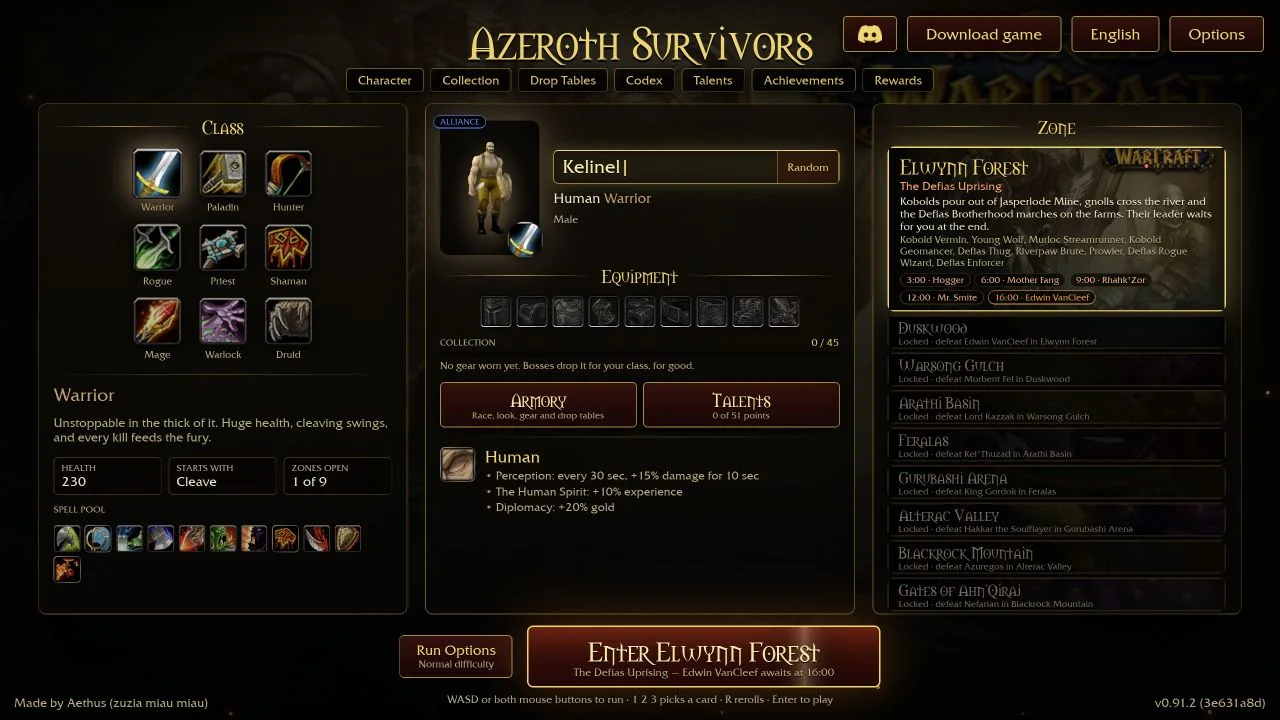
The original Azeroth Survivors game has a Play with friends menu. A host chooses the zone, friends bring the heroes selected on their own character pickers, and the host enters the zone when the group is ready. The current party label has five places, including the host.
Choose your hero before joining
Open the original game and select the hero you want to use. Check that this class has unlocked the zone the host plans to play: the game has a specific join error for a class that has not unlocked that zone. A character’s progress matters even if another class on the same save can enter it.
Have everyone check the version displayed by their game. Public lobbies are listed for the same version, and the join errors explicitly reject a different game version. If one friend kept an old tab open, return to the original site and refresh before trying the code again.
Host a party
- Select your hero and intended zone on the character picker.
- Open Play with friends and choose Host.
- Set a lobby name. The menu offers a public listing option and an optional password.
- Choose Host the lobby, then share the lobby code and any password with your friends.
- Wait until everyone appears in the party. Close the co-op window and enter the zone to bring the group along.
For a group of friends, agree on the zone and password before creating the lobby. Do not enter early: the game includes a join error for a run already under way.
Join by code or use the public list
Choose Join by code, enter the lobby code and supply its password if required. Once in, wait for the host to enter the zone. You use your selected hero in the host’s zone. The public list is another way to find a lobby on your version; no public listing can also mean that nobody is hosting one at that moment.
Bring back a downed friend
The game’s downed prompt tells a friend to stand next to the fallen hero. Its revive display shows progress and identifies who is helping. Move beside the downed teammate and watch that progress before leaving them. The embedded addon API also exposes whether your hero is down, who is reviving them and which friend your hero is helping.
Choose a route back to your teammate that you can survive. An addon’s party damage total does not show whether a rescue route is safe, and solo damage comparisons do not establish a good party composition.
What the join errors mean
| Problem | Next check |
|---|---|
| Different version | Compare version labels and reopen the current original game. |
| Wrong password or no lobby with that code | Copy the current code again and confirm the password with the host. |
| Party full or run under way | Wait for an available lobby before trying again. |
| Zone not unlocked with this class | Choose an eligible class or ask the host to choose an earlier zone. |
| Co-op needs the game’s site | Open the original game directly at wow.aethus.pl. |
| Service cannot be reached | Retry later and record the exact error if it persists. |
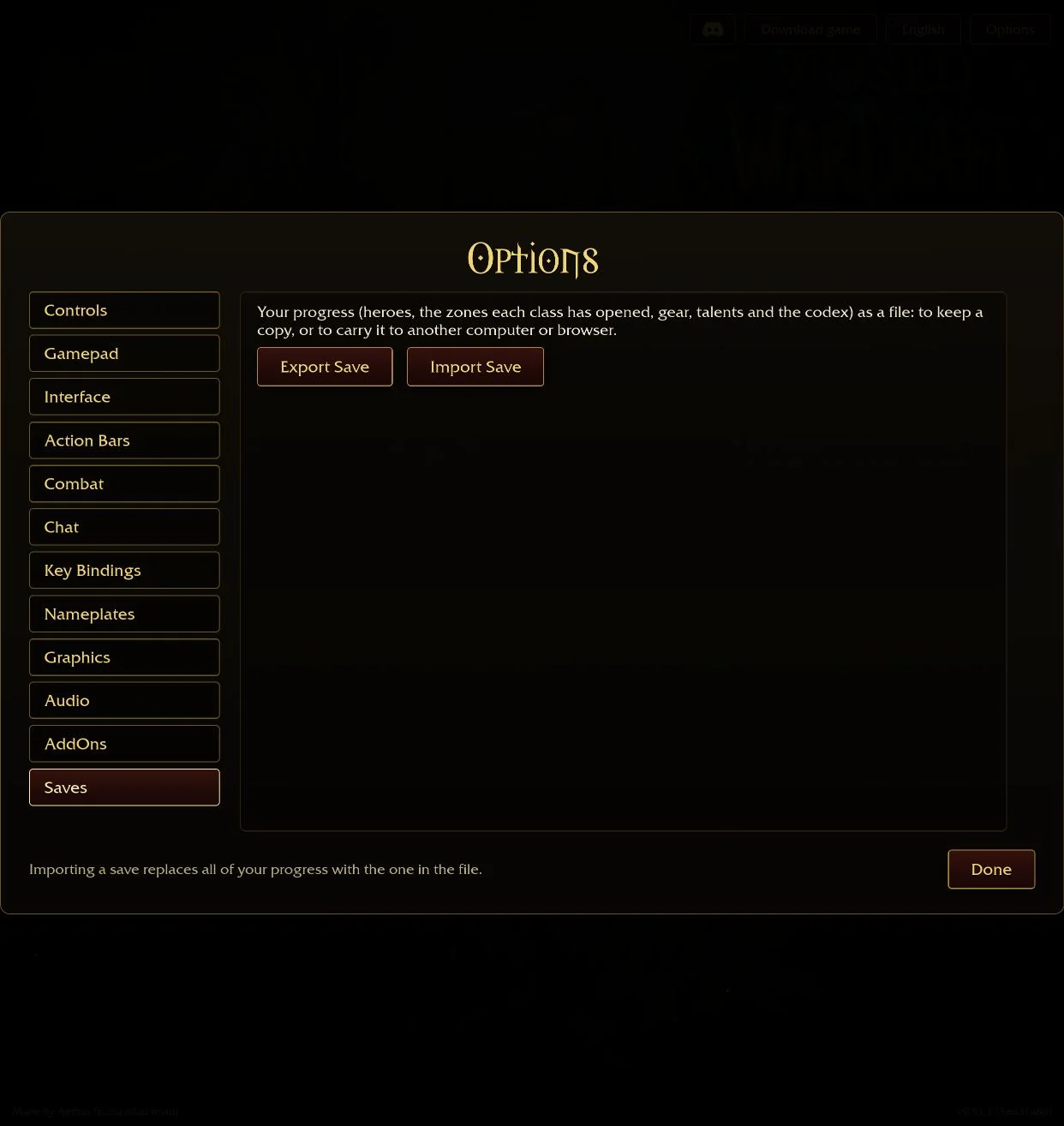
If the host leaves or closes the party, the game reports that reason. Keep a save backup before wider browser troubleshooting. Loot sharing, enemy scaling and disconnect recovery were not tested for this guide.
Questions
Does Azeroth Survivors have multiplayer?
The original v0.115.0 browser game has a Play with friends menu for hosting and joining co-op lobbies.
How many players can join?
The inspected game text shows a party capacity of five, including the host.
How do I revive a friend?
Stand next to the downed hero and watch the revive progress shown by the game.
Sources & scope
Based on the original v0.115.0 game’s English interface text and embedded party API, read on 25 October 2026. No lobby was created or joined, and no multiplayer run was tested.