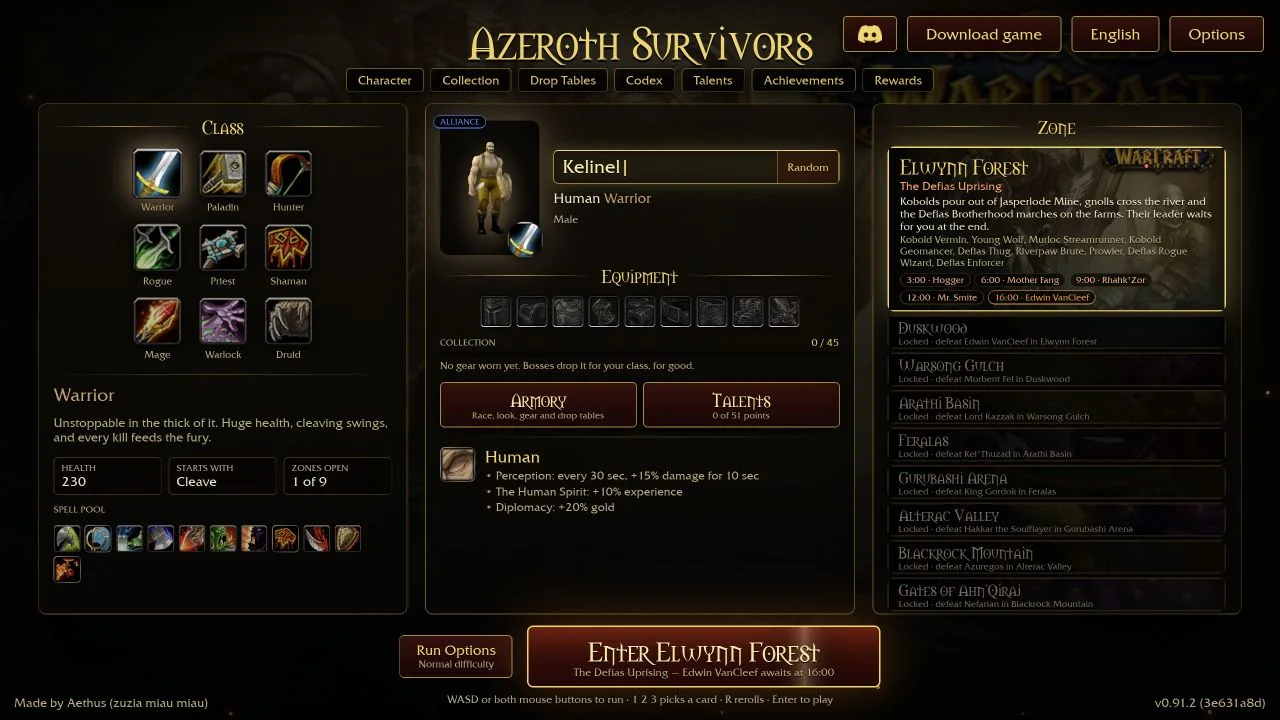
Azeroth Survivors does not publish a hardware list. What it needs is set by its launcher. Your browser must support WebGPU, and WebGPU must find a usable graphics adapter. If either check fails, the launcher does not start the game and shows a message instead.
What the launcher checks
- WebGPU exists. If the browser has no WebGPU, you see: “This browser has no WebGPU. The world needs it: use a current Chrome, Edge or Safari (Linux Chrome: enable chrome://flags/#enable-unsafe-webgpu).”
- WebGPU finds a graphics adapter. If it does not, you see: “WebGPU found no usable graphics card.” The code lists likely causes: hardware acceleration turned off, a blocklisted GPU or driver, or a remote desktop session.
The launcher stops at this point on purpose. Without an adapter, the code notes, the game would only show a black screen.
Supported browsers
The game’s own message names a current Chrome, Edge or Safari. It does not name Firefox or other browsers. We have not tested them, so we do not say they fail. If one shows the WebGPU message, switch to a browser on that list.
On Linux, the message tells Chrome users to turn on chrome://flags/#enable-unsafe-webgpu. Restart Chrome after you change a flag.
Graphics card and driver
The game needs a graphics adapter that WebGPU accepts. For the “no usable graphics card” case, the message suggests three fixes:
- On a laptop with two GPUs, open Windows Settings → System → Display → Graphics, set Chrome or Edge to High performance, and restart the browser.
- Turn on “Use graphics acceleration when available” in
chrome://settings/systemoredge://settings/system. - Update the graphics driver.
The message adds that chrome://gpu shows why WebGPU is disabled. Open it to check before you change settings.
Download size
The first load downloads the game client. A note in the loader puts it at about 15 MB compressed; the file we saved was about 85 MB unpacked. Keep the tab open on a slow connection. The progress bar counts the download.
Settings for a slower computer
The Options menu has settings aimed at weaker hardware. No Spell Effects draws no explosions, missiles, glows or beams; the game says it is “for a slow computer”. Main Menu Background can be set to Black “for a slower computer or phone”. The options text also includes Render Scale, Spell Detail and Vertical Sync. We have not measured how much each setting helps.
“Too many people are playing”
If the game’s server is over its request limit, loading fails with HTTP 429. The launcher then shows: “Too many people are playing!!!” with links to the Discord and the Windows download. This is a server limit, not a problem with your computer. Wait before you try again; repeated refreshes add to the load.
If your browser cannot run it
The game page offers a Windows download, which the launcher notes say does not need WebGPU. For step-by-step fixes, read browser troubleshooting. Phones and tablets need a browser with WebGPU too; see mobile browser reports.
Questions
What are the system requirements for Azeroth Survivors?
The game lists no hardware minimum. Your browser needs WebGPU, and WebGPU must find a usable graphics adapter. The game names a current Chrome, Edge or Safari.
Does Azeroth Survivors work on Linux?
The game’s message says Linux Chrome users must enable chrome://flags/#enable-unsafe-webgpu. We have not tested Linux ourselves.
Does Azeroth Survivors work in Firefox?
The game’s message does not name Firefox. We have not tested it. If you see the WebGPU warning, use a current Chrome, Edge or Safari.
What does “Too many people are playing” mean?
The game’s server returned HTTP 429 because it is over its request limit. It is not a fault on your computer. Wait, then try again, or use the Windows download.
Can I play without WebGPU?
Not in the browser. The launcher notes say the Windows download does not need WebGPU.
Sources & scope
The launcher checks and messages were read from rogue.js and the game page on 20 October 2026 (v0.103.1 (671c6f5e)). The game publishes no minimum hardware list in the files we read. We did not benchmark the game on specific graphics cards, and we did not test every browser.